


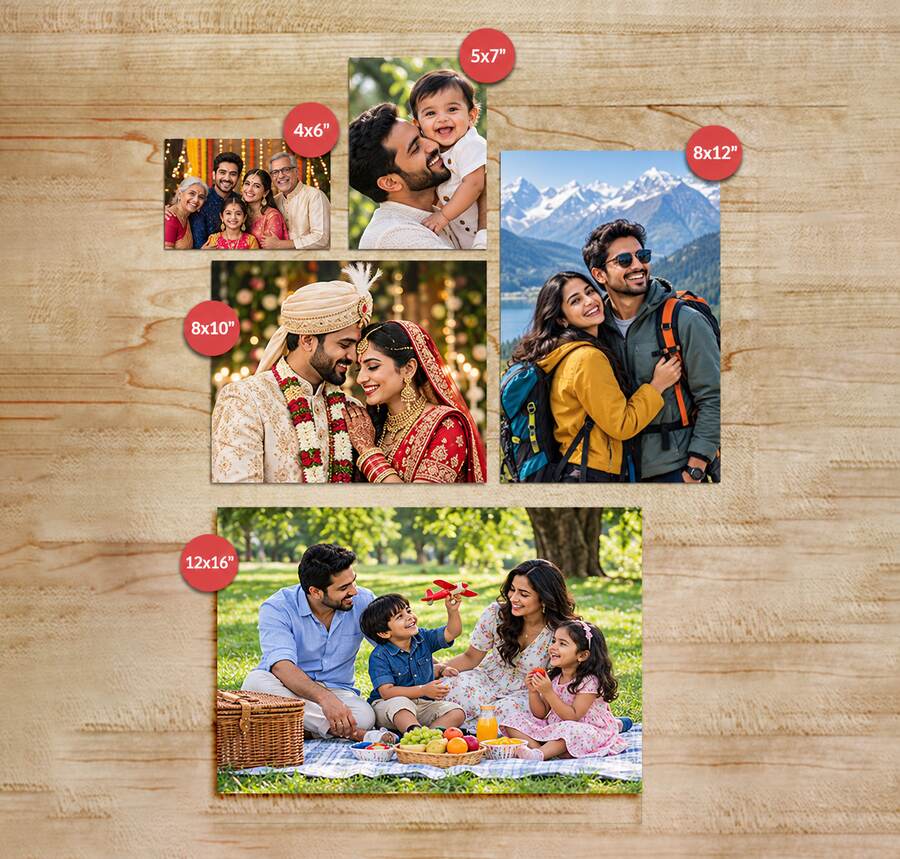
Short answer: Measure where the photo will live before you pick a size. For an album, go with the size printed on the pocket or packaging, which is usually 4×6. For a frame, use the photo size the frame maker specifies, not its outer dimensions. For a wall or a desk, cut a paper rectangle and test it in the space.
Table of Contents
- The sizes at a glance
- Start with the space, not the photo
- 4×6 vs 5×7 vs 8×10
- Album pockets: measure the part that holds the photo
- Frames: four measurements, only one decides the print size
- 8×10 vs 8×12: the shape is the difference
- When 12×16 makes sense
- Portrait or landscape?
- Check the crop before you pay
- What about square photos?
- How to order
- FAQs
The sizes at a glance
|
Print size |
Centimetres |
Where it works well |
|---|---|---|
|
4×6 in |
10.16 × 15.24 cm |
Pocket albums, scrapbooks, handing out copies |
|
5×7 in |
12.70 × 17.78 cm |
Desk frames, a slightly bigger keepsake |
|
8×10 in |
20.32 × 25.40 cm |
Portraits, frames with an 8×10 opening |
|
8×12 in |
20.32 × 30.48 cm |
Same shape as 4×6, just bigger |
|
12×16 in |
30.48 × 40.64 cm |
One standout photo, a planned wall display |
All conversions use 1 inch = 2.54 cm. Rotating a print sideways changes the orientation, not the size.
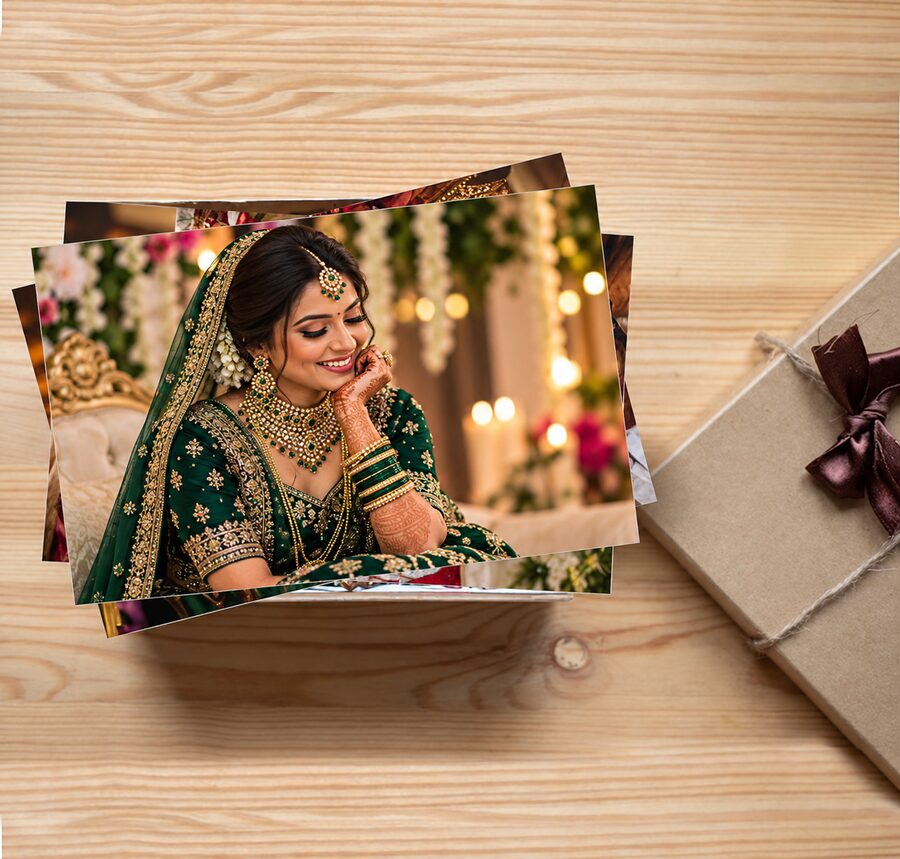
Photojaanic prints all five sizes as loose prints on the photo prints . Frames aren’t included. Any frames you see in the product photos are there to show how a print might be displayed.
Start with the space, not the photo
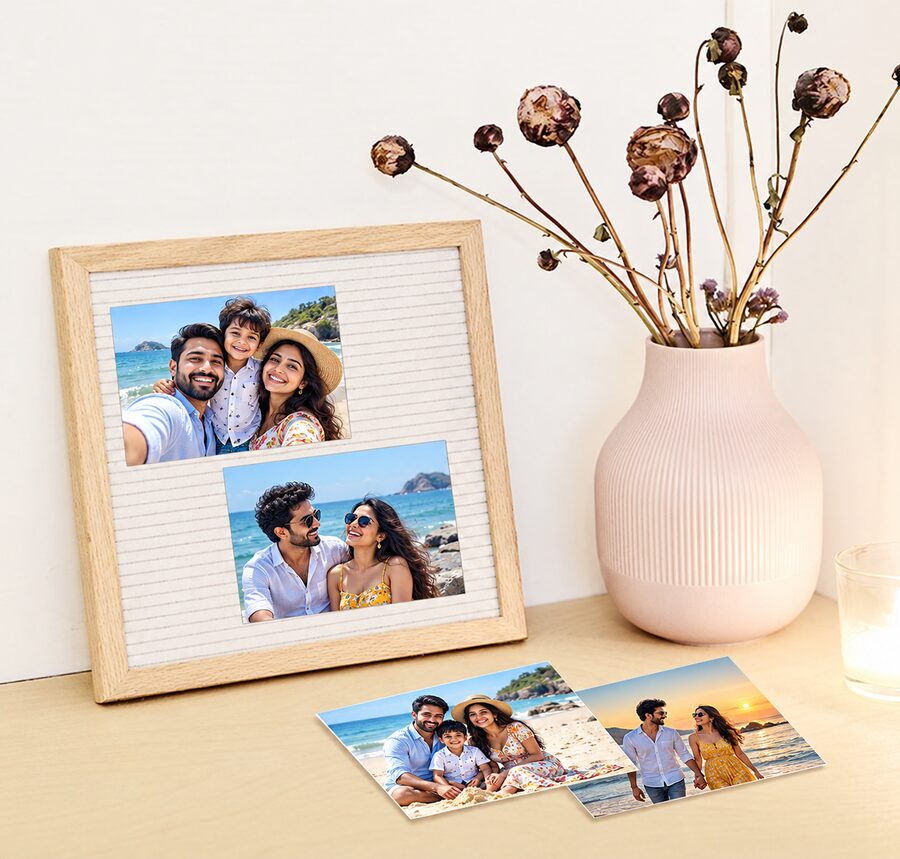
Most people pick a size because it sounds right, then discover it doesn’t fit the album. Do it in reverse:
- Have an album? Find the photo size on the packaging or listing. Ignore the cover dimensions, since they say nothing about the pockets.
- Have a frame? Use the manufacturer’s stated photo size. If there’s a mount (the card border with a window), check which print size it was designed for.
- Starting from scratch? Cut paper to the print size, tape it where the photo will hang or stand, and look at it from where you usually sit.
That last step takes two minutes and saves you from ordering something that looks small on screen but huge on your wall, or the other way round.
4×6 vs 5×7 vs 8×10
4×6 is the album and scrapbook default. If your pockets are made for it, there’s rarely a reason to look elsewhere.
5×7 is the “a bit bigger” option. It looks like a small step, but a 5×7 has 35 square inches of print area against 24 for a 4×6. That’s about 46% more, and you notice it when the two sit side by side. The shape also differs, so the crop won’t match.
8×10 suits portraits and frames with an 8×10 opening. It’s taller and boxier than 4×6 or 8×12, so expect the edges of a wide photo to be trimmed.
A bigger print only helps if the space can hold it and the original file has enough detail. Enlarging a soft photo gives you a bigger soft photo.
Album pockets: measure the part that holds the photo
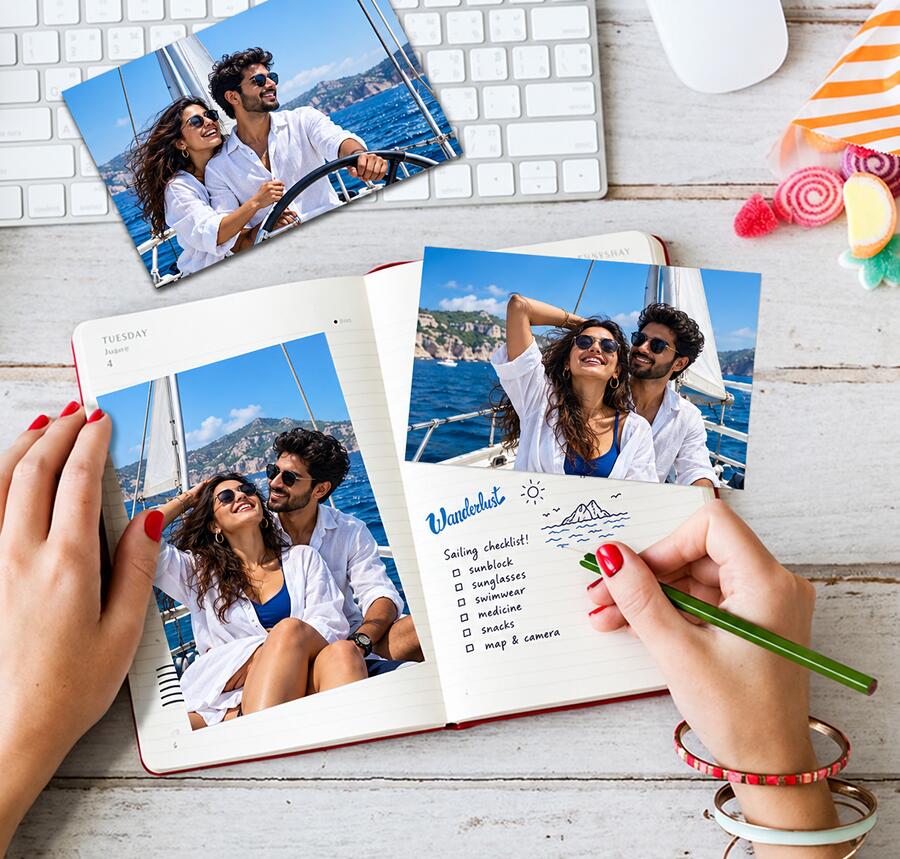
Cover size tells you nothing here. What counts is the usable pocket.
- Read the stated photo size on the album’s packaging first.
- Measure the inside of the pocket, away from seams and any narrowed opening. The clear area isn’t always all usable.
- Use a print you already own. If a photo fits well, measure it and match that.
- Check the direction. A horizontal pocket and a vertical pocket can take the same size but show your photos very differently.
One catch: a “10×15 cm” label is often a rounded figure. A true 4×6 is 10.16 × 15.24 cm. If your pocket measures exactly 10×15 cm inside, don’t force the print in. Confirm what the album is designed to take.
For scrapbooks without pockets, leave room for captions, tickets and other keepsakes. Lay paper rectangles on the page before you order a whole batch.
Frames: four measurements, only one decides the print size
- Outside dimensions tell you how much shelf or wall the frame takes.
- Photo size (what the frame is designed to hold) is the one that sets your print size.
- Visible opening is what you see from the front. It can hide a little of the print’s edge.
- Mount opening is the smaller window, if there’s a mount.
Keep faces and anything important a comfortable distance from the edges, since the frame will cover a bit of the border. A large frame with a mount often needs a smaller photo than you’d guess.
8×10 vs 8×12: the shape is the difference
Both are 8 inches on the short side, but they aren’t the same shape.
- 8×10 is 4:5.
- 8×12 is 2:3, the same as 4×6.
So an 8×12 is simply a bigger 4×6. If your album prints look right at 4×6, they’ll look right at 8×12. An 8×12 won’t drop into an 8×10 frame, though. It’s two inches longer, and trimming it changes your composition. If you own an 8×10 frame, order 8×10 and check the crop.
Phone photos don’t always match these ratios, so check the actual image rather than assuming.
When 12×16 makes sense
12×16 (30.48 × 40.64 cm) has twice the print area of an 8×12: 192 square inches against 96. It’s a good fit for a single photo you want to be the focus of a wall, or for a group shot where everyone needs to be visible.
Before ordering:
- Cut a 12×16 paper template.
- Tape it up where the print will go.
- Step back to your usual viewing distance.
- Zoom into the original photo and check focus and detail.
Remember that a frame or mount adds to the outside size. If you’re after a designed wall piece rather than a photograph, look at Photojaanic’s poster printing range and check that product’s own specifications.
Portrait or landscape?
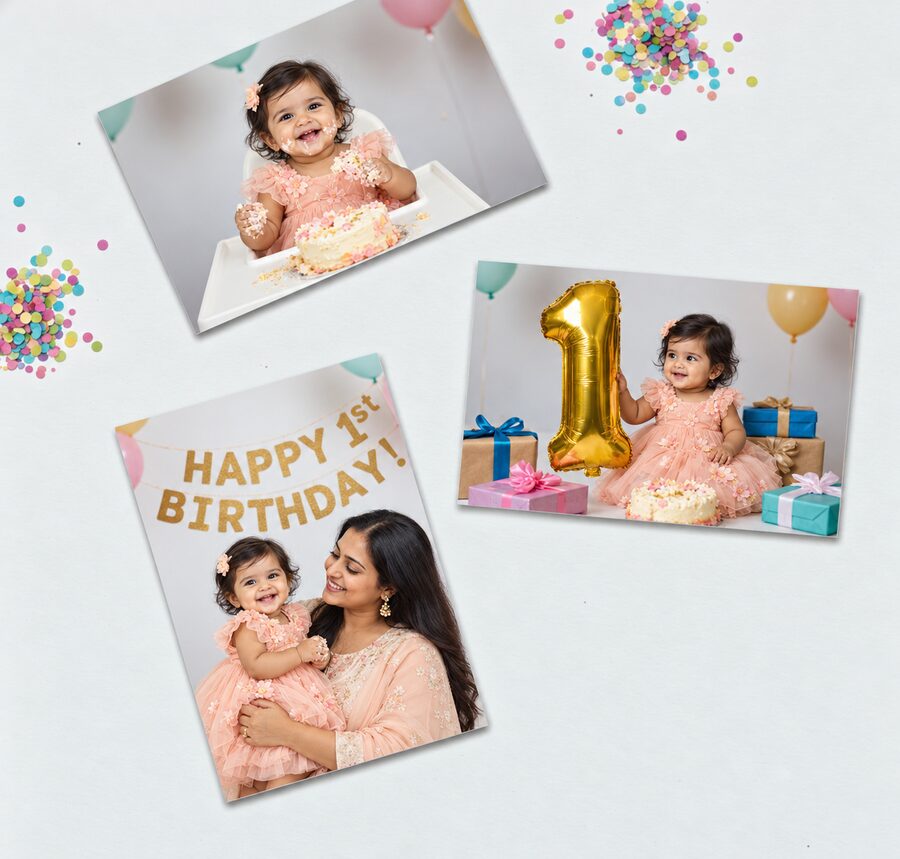
Every rectangular size works either way. For portraits, check the space above the head and around the shoulders. For landscapes, check the details close to the left and right edges. Turning a frame sideways fixes a display problem but doesn’t change the photo’s proportions.
Check the crop before you pay
Changing print size changes the shape of the image area. 4×6 and 8×12 match. 5×7 and 8×10 don’t. A photo that looks fine at one size can lose a person or a landmark at another.
In the preview:
- Count heads in group photos.
- Look at anything near the edges.
- Don’t stretch the image to fill the space.
Physical fit and composition are two separate checks. A photo can look great in the preview and still be the wrong size for your frame.
What about square photos?
If your photo is square, don’t cut it into a rectangle without comparing first. Photojaanic’s square photo prints come in 2.4×2.4 and 4×4 inches, with an approximately 3 mm white border. Factor that border into your layout.
How to order
- Open the Photo Prints page.
- Choose your size.
- Pick a paper: Art Gloss, Lustre, HD Gloss or Metallic (availability can vary by size).
- Click Start Customizing and upload your photos.
- Review each crop.
- Check size, quantity, taxes, shipping and the final amount before you pay.
Prices change with size, quantity and offers, so compare the final payable amount, not the “starting from” figure.
FAQs
Which size should I pick for an album?
The one the album specifies, usually 4×6 (10.16 × 15.24 cm). For scrapbooks, test with paper templates.
Is 4×6 the same as 10×15 cm?
Not exactly. 4×6 is 10.16 × 15.24 cm. “10×15” is often a rounded label, so confirm fit when it’s tight.
How much bigger is 5×7 than 4×6?
About 46% more print area, with a different shape, so check the crop too.
Will 8×12 fit an 8×10 frame?
No. It’s two inches longer. Order 8×10 for that frame.
Is 8×12 the same as A4?
No. 8×12 is 20.32 × 30.48 cm; A4 is 21 × 29.7 cm.
Do prints come with frames?
No. Photojaanic’s Photo Prints are loose prints, and frames are bought separately.
What’s best for a phone photo?
Use the original file, check its proportions, and review the crop and any quality warnings at your chosen size.




Be the first one to comment