


Matte vs Glossy Photo Magnets
How to choose between Photojaanic matte and Flexi Gloss magnets
For Photojaanic photo magnets, choose the standard matte range if you prefer less shine, or Flexi Gloss if you want a glossy surface. The two ranges also have different listed sheet thicknesses. Compare the finish alongside your photo’s shape, the selected size and the quantity you need.
A finish is easier to choose once you know which photograph you want to print. A close portrait, a wide family group and a wedding design with lettering each need a different crop check. Here is how to work through those decisions before starting your Photojaanic order.
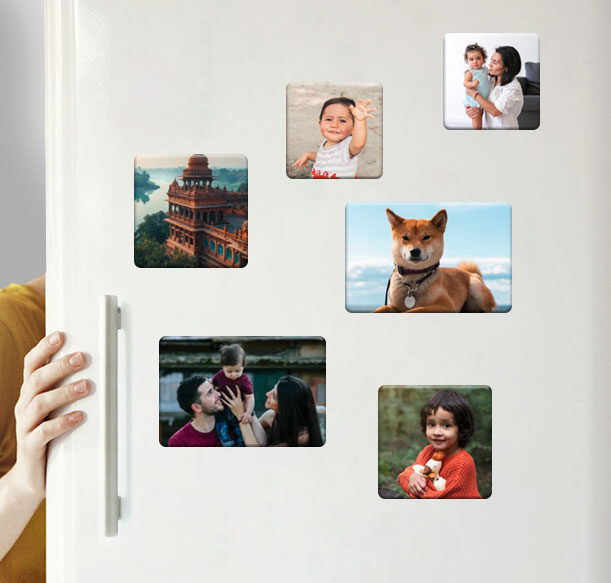
Family, travel and pet photographs can form a personal magnet collection.
Table of Contents
- Compare the two Photojaanic magnet ranges
- Choose a surface you will enjoy seeing at home
- Use the same size when comparing finishes
- Check what a square crop removes from your photo
- Prepare the image before choosing the final design
- Plan a family collection or an occasion gift
- Compare the cost of the order you actually need
- Make a bulk enquiry clear about pieces and designs
- Preview the product and the artwork before payment
- Check that the display surface is suitable
- Frequently asked questions
- Start with your preferred finish
Compare the two Photojaanic magnet ranges
Photojaanic’s standard photo magnets list a matte surface on a 1 mm flexible magnetic sheet. The separate Flexi Gloss photo magnets list gloss lamination on a 0.5 mm flexible magnetic sheet. Both specifications describe rounded corners.
|
Detail |
Standard photo magnets |
Flexi Gloss photo magnets |
|---|---|---|
|
Listed finish |
Matte |
Gloss lamination |
|
Listed magnetic sheet thickness |
1 mm |
0.5 mm |
|
Backing |
Flexible magnetic sheet |
Flexible magnetic sheet |
|
Corners |
Rounded |
Rounded |
|
A square size listed in both ranges |
3.5 × 3.5 inches |
3.5 × 3.5 inches |
Both ranges use flexible magnetic backing. Focus the comparison on their finish, listed sheet thickness and available size, then decide which combination suits your photograph and display. Thickness by itself does not establish which product will hold more weight or last longer.
Start on the page for the finish you want. This keeps the product specification, available sizes and offer together as you make your selection.
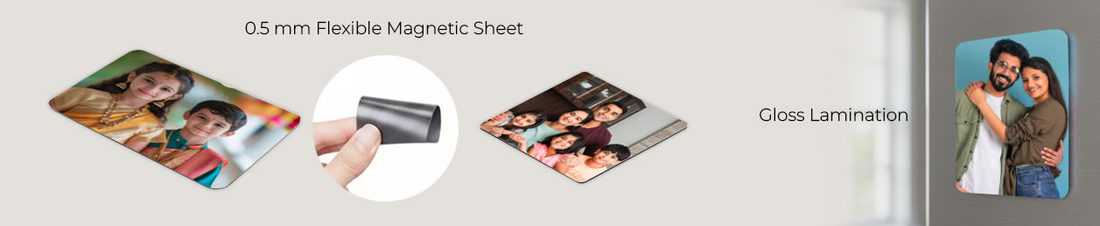
Photojaanic’s Flexi Gloss illustration shows the flexible sheet and gloss lamination.
Choose a surface you will enjoy seeing at home
Matte is the natural starting point if you prefer photographs with less shine. Gloss is worth considering if you like a shiny printed surface. Neither choice needs to be tied to a particular occasion: a family portrait or wedding photograph can be considered for either range.
Think about the actual fridge door or display board. A bright window opposite the display and a ceiling light above it create different viewing conditions. If reflections are a particular concern, consider that when choosing a finish rather than judging only from the colour of a product image on your phone.
The product visuals in this guide show Photojaanic’s ranges and example designs. They are not a same-photo test under identical lighting. For a large order where the finish needs to match a particular look, ask about the current product and any available sample information before committing to the quantity.
Use the same size when comparing finishes
The 3.5 × 3.5-inch square is listed in both ranges, so it offers a useful starting point for a like-for-like comparison. Use the same photograph and intended quantity when reviewing the two offers.
Shape matters independently of finish. A square can suit a close portrait with space around the subject. A rectangular format may make more sense for a wider group or a scene with important details at both ends. Moving between formats changes the composition, even when you keep the same photo.
Check the finished dimensions in the selected product’s specification, especially for a rectangular design, an exact border or artwork prepared outside the designer. Make that check before positioning text or choosing a crop that leaves very little room around the subject.

Square and rectangular Flexi Gloss examples shown from the front and back.
Check what a square crop removes from your photo
Consider a landscape image measuring 4,000 pixels wide by 3,000 pixels high. A square crop using the full height would retain a 3,000 × 3,000-pixel area. That removes 1,000 pixels from the width: one quarter of the original width. If centred, it removes 500 pixels from each side.
This is a simple crop example, not a rule about how the designer automatically positions your image. It explains why a photograph that looks comfortable in your gallery can lose someone at the edge when fitted into a square.
For a family group, count the people after applying the crop. For a travel photograph, check the complete outline of the building or landscape feature. For a portrait, leave room around the head and check whether hands or shoulders are being cut at an awkward point.
If an important detail disappears, reposition the photograph, choose another image or consider a different format. Changing from matte to gloss will not bring back an area that has been cropped away.
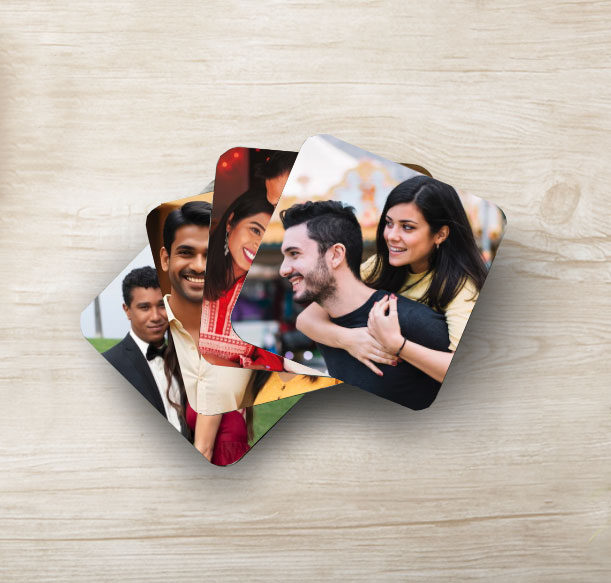
Check each photograph separately when preparing a collection of photo magnets.
Prepare the image before choosing the final design
Use the original photo file where possible. If you have several copies of the same picture, avoid choosing a small screenshot simply because it is easiest to find. Open the file and inspect the details that matter, such as eyes, faces and lettering. A finish cannot restore detail missing from a blurred source.
For a small magnet, give the main subject enough space to be recognised. A photograph with one clear face needs a different layout from a group of twelve people. Judge the composition at approximately the intended printed size as well as while zoomed in.
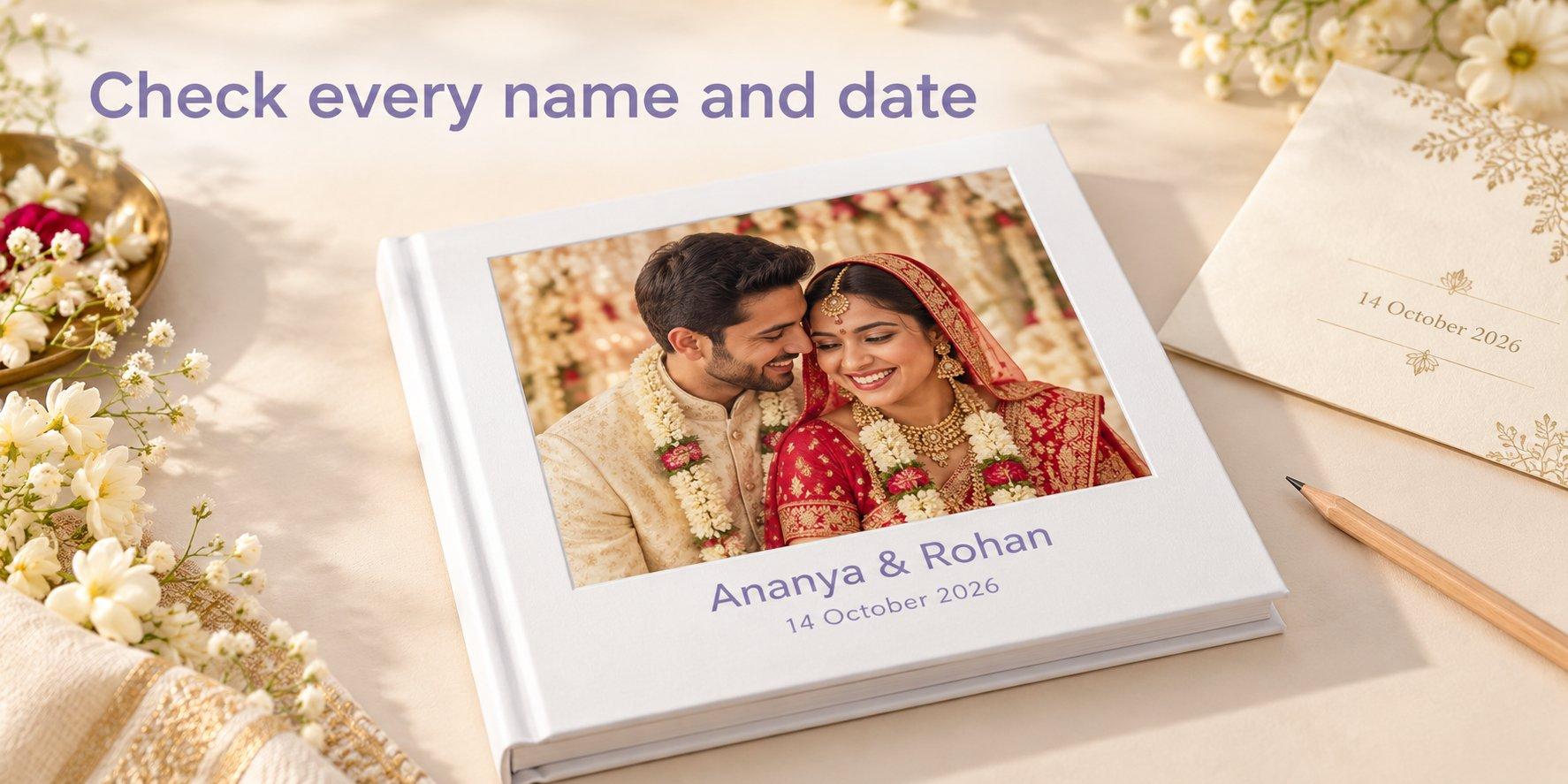
If names, dates or a logo are already part of your artwork, check their spelling and size before uploading. Keep essential lettering comfortably inside the design rather than against the outer edge. Do not rely on adding text later unless the selected product’s designer provides the controls you need.
Plan a family collection or an occasion gift
For a family collection, choose photographs with a connection: one holiday, a birthday weekend or a set of everyday moments from the same year. Then decide whether a consistent format would help the pictures sit together. A shared finish can give the collection continuity, while each photograph still needs its own crop check.
For wedding keepsakes or birthday return gifts, begin with a photograph that reads clearly at the chosen size. If you are preparing a message within the artwork, keep it short enough to remain readable. A full invitation design may need simplifying before it works on a magnet.
For inspiration on what to print, explore Photojaanic’s photo magnet ideas for travel memories and gifts. Use the ideas to choose photographs, then return to the product page for your preferred finish.
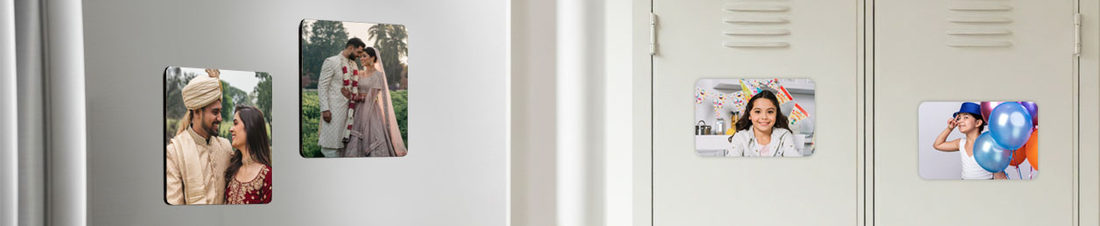
Wedding and birthday photographs offer different starting points for occasion gifts.
Compare the cost of the order you actually need
Compare the same intended finished size, total number of pieces and artwork requirements. A unit price available at a larger quantity is not the cost of ordering one magnet.
On the standard product page, prices are stated to exclude taxes and shipping. Read the quantity condition beside the applicable offer, check coupon requirements and review the final payable amount. Do not apply a promotional percentage again without checking whether it is already reflected in the displayed price.
Use each range’s own offer when comparing matte and gloss. You can check standard photo magnet sizes and prices or review the separate Flexi Gloss options. Delivery estimates should also be checked against the destination and the date you need the order.
Make a bulk enquiry clear about pieces and designs
An enquiry for 50 magnets using one photograph is different from an enquiry for 50 magnets using ten photographs, with five copies of each. The total piece count is the same, but the artwork requirement is different. State both figures so the quote can address your intended order.
In Photojaanic’s bulk magnet enquiry form, provide the product size and quantity. Use Additional Info to explain the matte or gloss preference, the number of designs, copies per design, delivery location and required date. Mention any artwork or packaging help you need so its availability and cost can be confirmed.
The form accepts a reference image under 2 MB in JPG, PNG or GIF format. That attachment limit applies to the enquiry reference; it should not be treated as the production artwork specification. Confirm the final artwork and approval requirements for the chosen product before ordering.
Preview the product and the artwork before payment
Open the Photojaanic product page for your chosen finish, select the size and use Start Customizing to enter the designer. Add your photograph and review the available layout and preview controls.
Before completing the order, check these details:
- The product, finish and size match the range you intended to buy.
- Every person and important detail remains inside the visible design.
- Any names, dates and lettering in the artwork are correct and readable.
- No empty photo areas or unresolved image-quality warnings remain.
- The quantity matches the number of pieces you need.
- The offer conditions, address, delivery estimate and final payable total are clear.
If a product or finish label in the designer differs from your selection, clarify it before paying. For an event, confirm the current fulfilment estimate for your order rather than treating a general delivery range as a guaranteed arrival date.
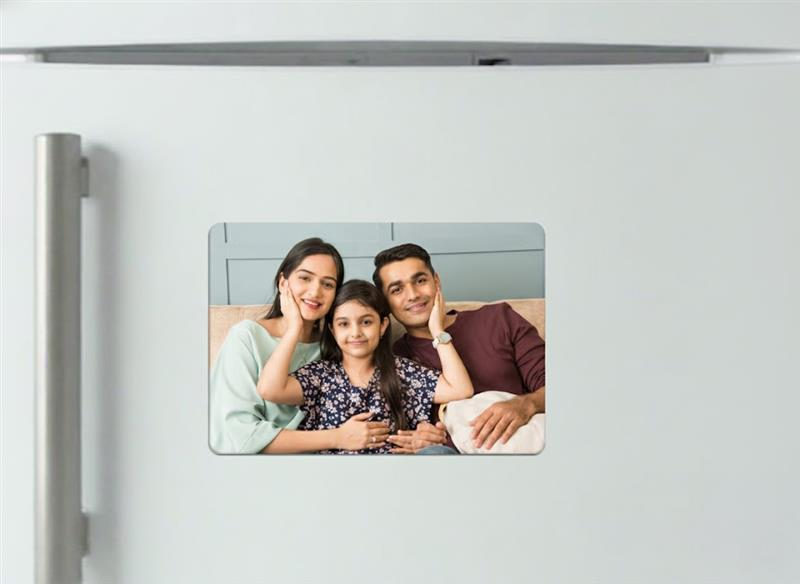
Review the photograph, format and selected product before placing your order.
Check that the display surface is suitable
Check your appliance manufacturer’s instructions before placing magnets on its finish. Stainless steel varies, and a surface attracting a magnet does not establish that magnets are suitable for that finish. GE’s appliance guidance, for example, advises against magnets on some finishes even where they attach.
For a gift, check that the recipient has a suitable fridge door or another approved magnetic display surface. Follow the appliance and product care instructions when placing or moving the magnets.
Frequently asked questions
Which Photojaanic finish should I choose for family photos?
Start with matte if you prefer less shine, or Flexi Gloss if you want a glossy surface. Then check that the selected format keeps everyone in the frame. The same photograph may need repositioning when moved from a rectangle to a square.
Is Flexi Gloss thicker than the standard photo magnet?
The specifications list 0.5 mm for Flexi Gloss and 1 mm for the standard matte range. These figures describe sheet thickness; they do not establish a tested difference in holding strength or lifespan.
Can I compare matte and gloss in the same square size?
Both ranges list a 3.5 × 3.5-inch option. Keep the photo, size and intended quantity consistent when comparing the offers, and check the preview on the product you choose.
Will a glossy finish fix a blurry photo?
No. Use the clearest available original and inspect the important details before uploading. Review any image-quality warnings in the designer; changing the finish does not restore missing detail.
Can I order different photographs for an event?
Explain the number of pieces, number of designs and copies of each in a bulk enquiry. Confirm the available order route and applicable pricing before assuming that mixed photographs qualify for a particular quantity offer.
Do photo magnets suit every stainless steel fridge?
Check the instructions for the specific appliance. Stainless finishes vary in both magnetism and care requirements. A magnet attaching to the surface is not proof that the manufacturer permits its use there.
Start with your preferred finish
Choose the photograph first, check which format keeps the important details and select the surface you want to see every day. Explore Photojaanic’s matte photo fridge magnets for less shine, or choose the Flexi Gloss range for a glossy finish.
Select your size, review the quantity prices and start customising. Give the product details and preview one final check before placing your order.





Be the first one to comment