




Make a Family Photo Book from Professional Photos
A practical guide for family sessions and couple portraits in India
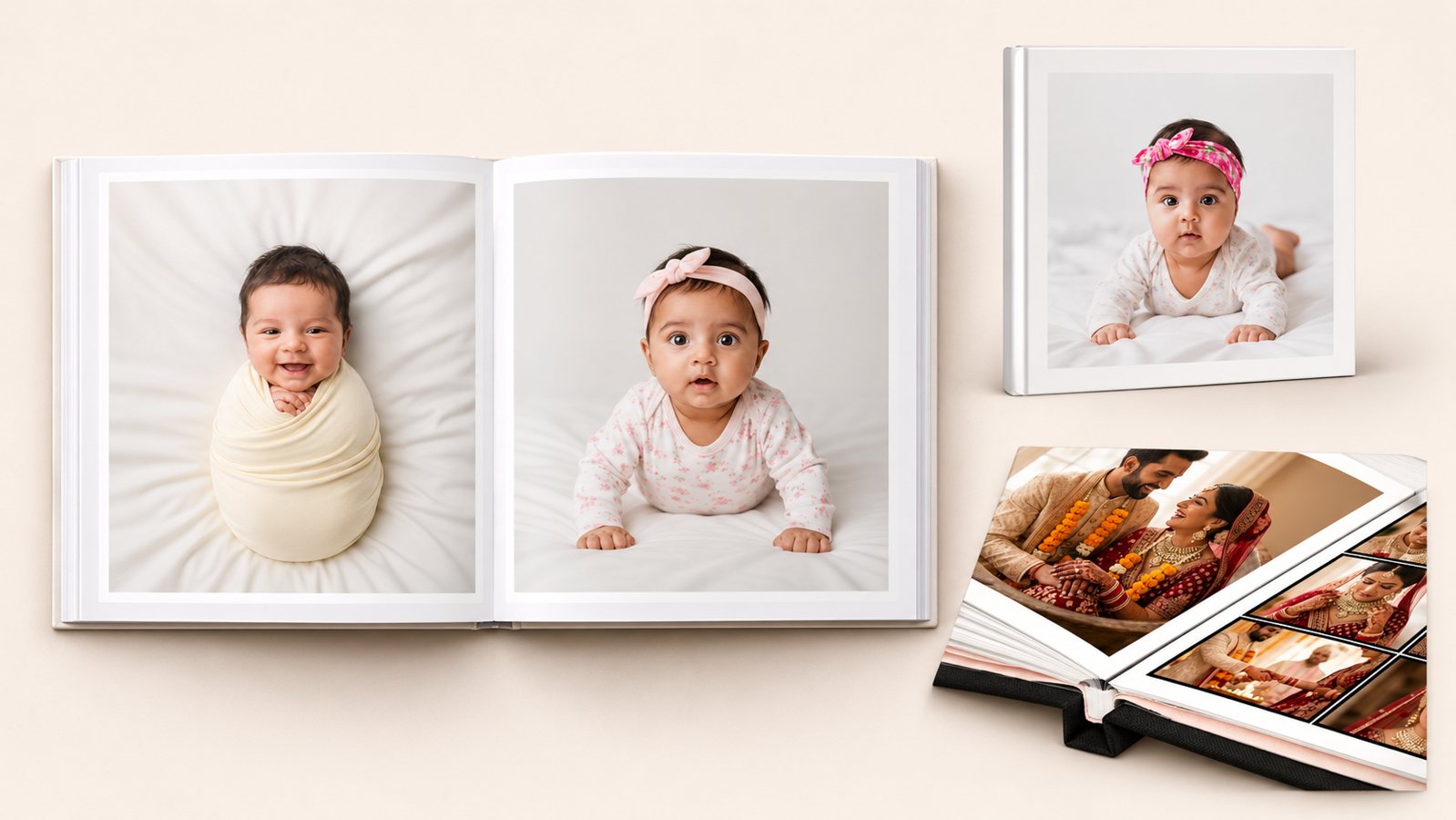
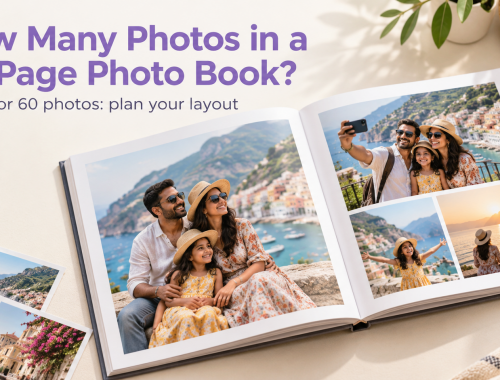
Hardcover and layflat photo book examples
To make a photo book from your photographer’s photos, download the edited files intended for printing, choose the pictures that tell the story and select a book around the layouts you want. Check the chosen size and starting page count before arranging the photographs, then review the complete book before ordering.
When a photographer delivers a gallery, the hard part is often choosing. There may be several versions of the same portrait, candid moments between poses and a few photographs everyone in the family wants included. An album needs a sequence that feels right when you turn the pages.
This guide takes you from that gallery to a Photojaanic book, with practical choices for family sessions, newborn photographs and couple portraits.
Table of Contents
- Ask for the edited files intended for printing
- Choose pictures by their role in the story
- Choose the Photojaanic range around your intended layouts
- Match the size to the photographs that matter most
- Arrange a sequence before filling every page
- Review every image after placing it
- Prepare the order around the selected configuration
- If you are the photographer preparing a book for a client
- Frequently asked questions
- Start with the photographs you want to keep in print
Ask for the edited files intended for printing
Begin with the delivery information from your photographer. Ask which download contains the finished images for printing and whether your package permits the personal album you want to make. If the answer is unclear, confirm it before designing the book.
A gallery preview and a downloaded image file are different things. Some gallery services offer separate web and high-resolution downloads. Save the appropriate files to your device, then upload those files through your chosen Photojaanic designer. Keep the photographer’s filenames so it is easy to identify an image if you need help.
Check one downloaded file before collecting the whole selection. Open it, inspect the important details and confirm that you have the final edit rather than a watermarked selection preview. If you were given several versions, ask which version is intended for your print order. Use that as the starting point instead of applying the same new filter to every photograph.
Keep a separate copy of the delivered files. Make your album selection in another folder so you can change your mind without losing the complete gallery.
Choose pictures by their role in the story
Start by choosing the photographs you would be disappointed to leave out. Then look for the pictures that connect them.
For a family session, that could mean one whole-family portrait, a photograph of each child and the small interactions that show how everyone spent the time together. For a couple session, include some sense of the place and the quieter moments between the main portraits.
When you have several similar photographs, compare the details that will matter in print. Look at everyone’s expression, the position of hands and whether the edges of the picture leave enough room for the intended layout. Choose the version that works for the page rather than keeping every variation of the pose.
Use this example to give a short sequence some variety. A spread means two facing pages viewed together.
| Part of the sequence | Photographs to consider | What the reader learns |
|---|---|---|
| Opening | A wider view of the location and an establishing portrait | Where the session happened and who the book is about |
| People and connections | A main portrait beside a different interaction or detail | How the people relate to one another |
| Closing | A favourite photograph with a short note or date | Which moment you want to leave with the reader |
This is a planning example, not a fixed template or a required photo count. If two pictures repeat the same information, try removing one and see whether the sequence reads better.
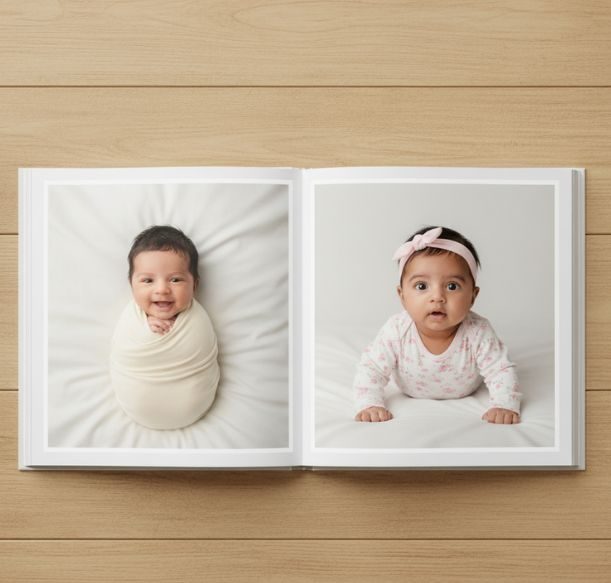
Classic White Hardcover showing photographs on facing pages
Choose the Photojaanic range around your intended layouts
Browse the Photojaanic photo book collection if you are still choosing the overall format. The category brings together hardcover, softcover, occasion books and premium album options.
For the two ranges below, cover and binding deserve separate attention. Hardcover describes the cover construction; layflat describes how the pages open. A book can combine a hard cover with layflat binding, so use the selected product’s specification to understand the complete construction.
| What you want to create | Range to explore | What to check |
|---|---|---|
| A family or couple book using portraits and smaller groups of images | Custom hardcover photo books | Available size, page count, paper and the selected design |
| An album where wide photographs and images across facing pages are central to the plan | Layflat photobook albums | Opening style, centre-fold placement, size and starting page count |
The hardcover range lists Lustre Silk Paper and ready styles such as Classic Captures, Classic White and Full Image. The layflat range describes an imagewrap cover and pages designed to open flat. Choose according to the pages you intend to make, then confirm the selected theme’s current options.
A wide photograph does not have to cross two pages. You can place it on one page with space around it. If you do use a spread, inspect the centre carefully and keep faces, names and other critical details clear of the fold.
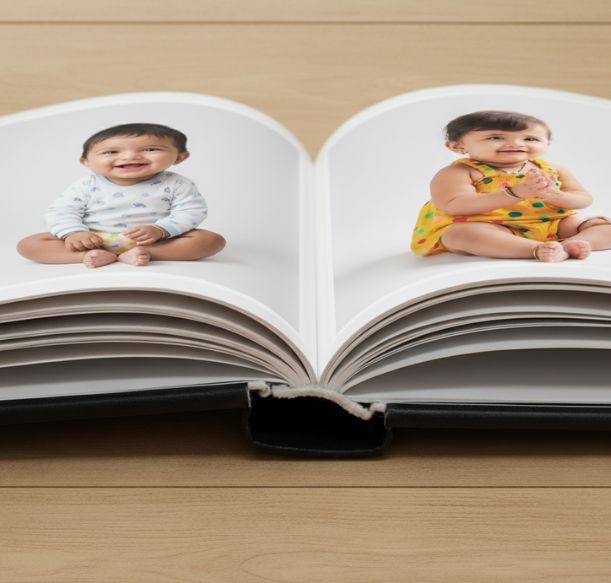
A closer view of the Classic White Hardcover construction
Match the size to the photographs that matter most
Look at your main photographs together before choosing a size. A collection of close portraits needs a different layout from a gallery dominated by wide group photographs.
The current Classic White Hardcover example lists an 8×8-inch option and starts with 10 sheets, or 20 pages. An 8×8 square is one option to explore for a mixture of portraits and wider photographs, provided the crops leave the subjects comfortably inside the image areas.
For a larger spread-led album, the Classic White Layflat example lists a 12×12-inch option that starts with 20 sheets, or 40 pages. The same page lists a smaller 6×7.5-inch option starting at 20 pages. These are different configurations, so check the chosen product and size before planning the whole book.
Think about how you will use the album as well. Will it sit on a shelf, be brought out for family visits or be given to a parent? Check the closed-book dimensions and make sure the selected size suits that use.
If you decide on a 20-page configuration, Photojaanic’s guide to how many photos to put in a 20-page photo book gives layout examples. Use it after confirming that your selected book actually has that starting page count.
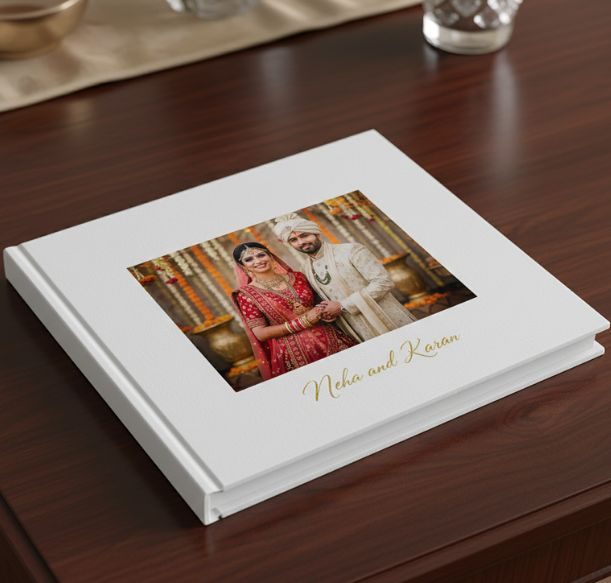
Classic White Layflat with a couple portrait on the cover
Arrange a sequence before filling every page
Give the opening photograph a clear job. It might introduce the whole family, show the location or mark the occasion with a simple title. Choose a cover photograph that also leaves room for the title you intend to add.
For the inside pages, try pairing photographs that add something to each other. A posed portrait can sit beside a candid interaction. A wider photograph can establish the setting before a closer portrait on the next page. Avoid repeating the same image on several pages simply to fill space.
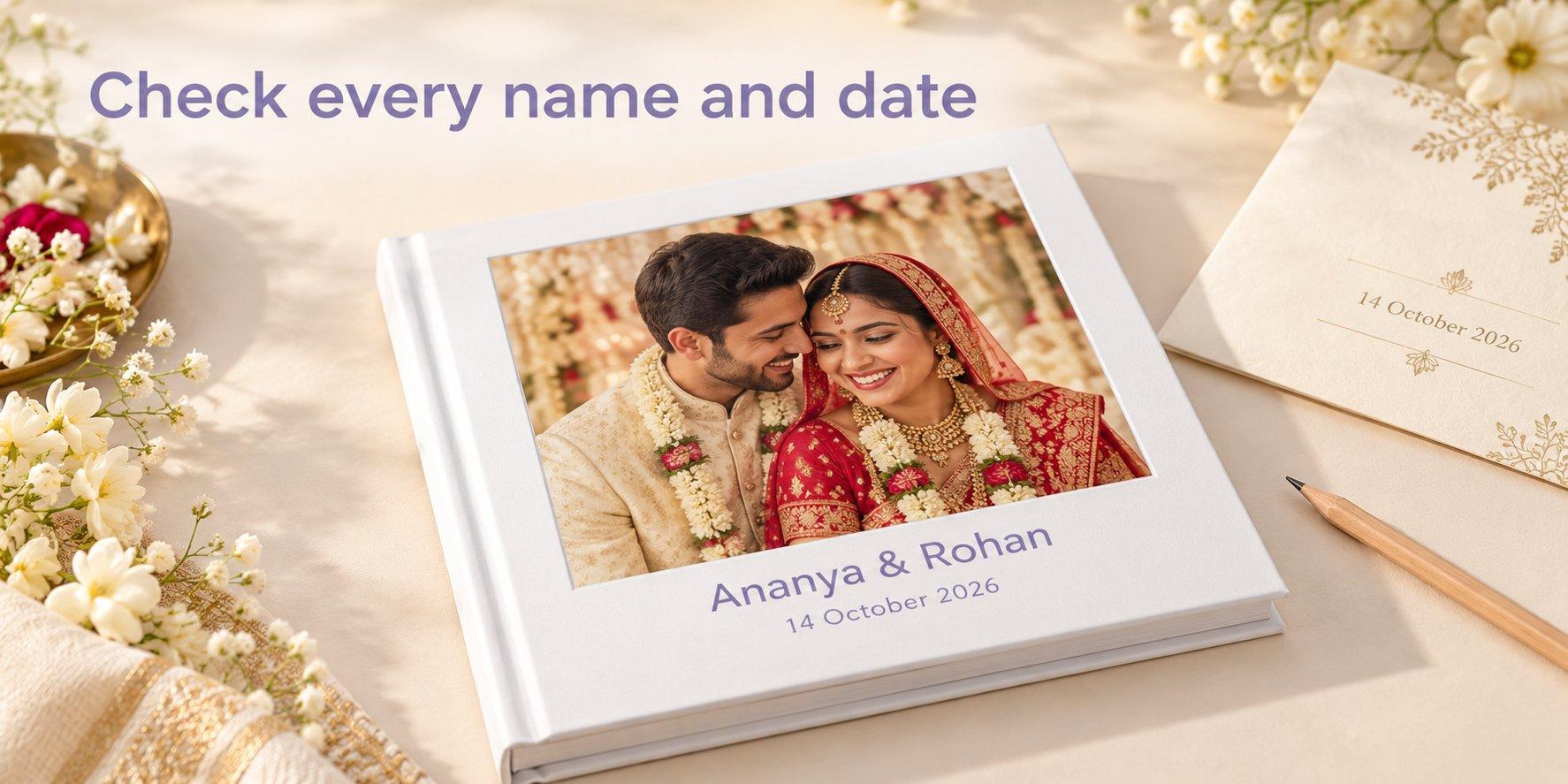
Keep captions useful. A place, a date or a small detail about the session may be enough. Check spellings with the family rather than relying on an unfamiliar nickname or a date remembered differently by two people.
For a couple book, you might arrange the photographs in the order the session unfolded. For a newborn or family session, grouping them around the people in the photographs may work better. Use the sequence that helps someone understand the occasion without needing you to explain every page.
Review every image after placing it
Good source photographs still need checking in the chosen layout. An image may be enlarged more than expected or cropped differently when you change the photo box.
For group photographs, check the people at both ends as well as the person in the centre. For newborn portraits, inspect the space around the face and hands. For couple photographs, check that a page edge or fold does not run through an important expression or gesture.
If a photograph looks soft at the size you want to use, compare it with the delivered original and ask the photographer if another export is available. Another option is to use it in a smaller image area. Changing the paper finish cannot restore detail missing from the file.
If the designer displays an image-quality warning, review the photograph and its placement. A warning deserves a closer look, and its absence should not replace your own check of focus and composition.
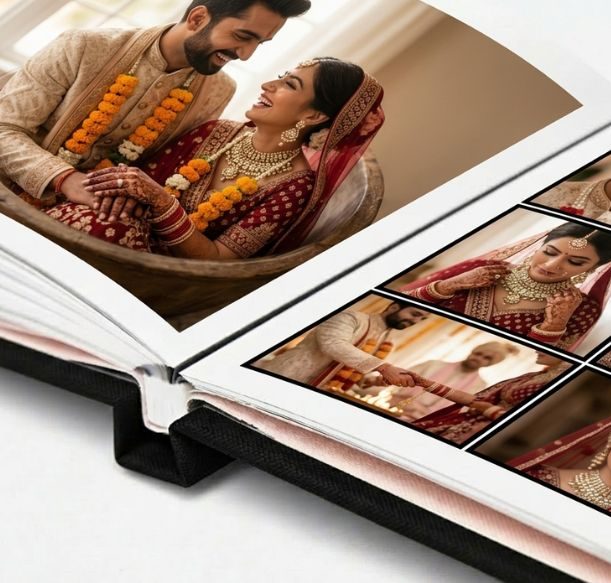
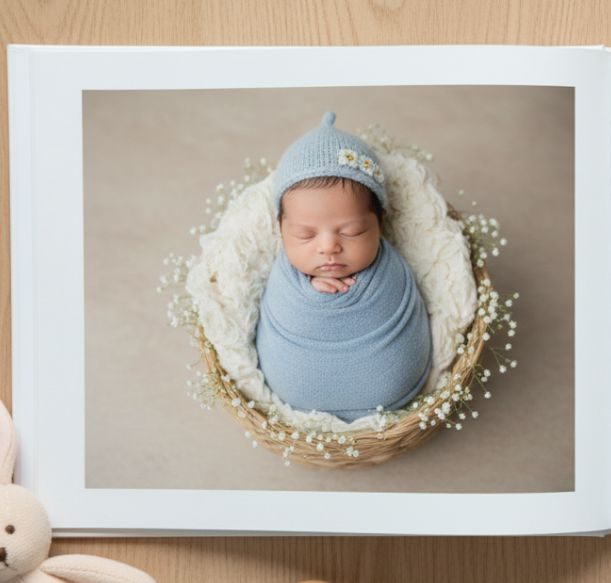
Wedding and newborn layouts in the Classic White Layflat album
Prepare the order around the selected configuration
Choose the Photojaanic range first, open a design you want to use and review its available sizes. Select the configuration before spending time arranging the pages. Upload your chosen image files and use the controls available for that product to build the book.
Before paying, check:
- The product, size and starting page count match your plan.
- Additional pages, if selected, are included in the order details.
- Every photograph has the intended crop and no empty image areas remain.
- Names, dates, cover text and page order are correct.
- Quantity, offer eligibility, taxes, shipping and the final payable total are clear.
- The delivery estimate suits the destination and occasion.
Review the book again after your last edit. Replacing one photograph can change the crop or the balance of a page. For a gift with a fixed date, confirm the current order estimate rather than relying on an older delivery statement.
If you are the photographer preparing a book for a client
Agree on the intended product, dimensions and starting page count before designing a full album. Confirm which photographs the client wants included and who will approve the final sequence.
It helps to record the image filenames, names and dates in one place. Share the proof through your agreed process and make sure the final version is the one approved for ordering. If the client changes the book size later, check the layouts and crops again.
For several copies, confirm that the quantity and configuration apply to every copy. Any sample or production check should use the actual paper, binding and size being considered; a screen image alone cannot demonstrate how those materials feel in use.
Frequently asked questions
Can I make a photo book from a photographer’s online gallery?
Use the edited image files supplied for printing. Download them through the photographer’s approved route, confirm the intended personal use and upload the files into the selected Photojaanic product. Check the delivery instructions if you only have gallery previews.
Should I include every photograph from the session?
Choose the photographs that tell the story and show the people you want to remember. Keep distinct moments and useful variations. Several near-identical portraits may work better as one chosen photograph, leaving space for a different part of the session.
Do all Photojaanic books start with 20 pages?
Check the selected product and size. For example, Classic White Hardcover lists a 20-page start. Classic White Layflat lists 20 pages for 6×7.5 inches and 40 pages for its 9×12, 12×12 and 12×15-inch options.
Should I choose hardcover or layflat for professional family photos?
Explore the hardcover range for the cover, paper and designs you prefer. Consider the layflat range if your layout depends on photographs extending across facing pages. Check the complete product construction because a hard cover and layflat binding describe different features.
Can I use a portrait across two pages?
Check whether the photograph has enough space around the subject and whether the layout preserves the composition. A portrait on one page may work better than a spread that places a face on the centre fold. Preview the actual design before deciding.
Is an 8×8-inch book suitable for family photographs?
An 8×8-inch square is an option to consider for a mixture of portrait and landscape photographs. Check how the selected layout crops each image, especially wide family groups. Use the preview to decide whether that size gives your most important photographs enough space.
Start with the photographs you want to keep in print
Gather the finished files, choose the moments that belong together and plan the pages around them. You can browse photo books online in India, explore the custom hardcover range or choose a layflat album for your planned spreads.
Select the size and page configuration before arranging the full book, then give the preview a final check before ordering.




Be the first one to comment